
Small Business Guide to WordPress Store Expenses
Building a successful online store requires careful consideration of your long-term needs, especially when it comes to budgeting. Many business owners and web professionals underestimate the full scope of costs associated with running a WordPress store beyond the initial setup. As a store scales, these costs can change dramatically, so a clear understanding of all…
By: Stellar Team · Published: April 7, 2025 · Updated: April 3, 2025
Building a successful online store requires careful consideration of your long-term needs, especially when it comes to budgeting. Many business owners and web professionals underestimate the full scope of costs associated with running a WordPress store beyond the initial setup. As a store scales, these costs can change dramatically, so a clear understanding of all components involved is needed.
Our guide will break down every expense from launch through to scaling, empowering you to make informed decisions about your ecommerce platform. Whether you’re a freelancer, store merchant, or agency pro, marketers who grasp essential-versus-optional costs can set the stage for success and grab the keys to sustainable growth.
Key points
Different WordPress ecommerce solutions
There are several ecommerce solutions specifically designed for WordPress, each catering to different business needs.
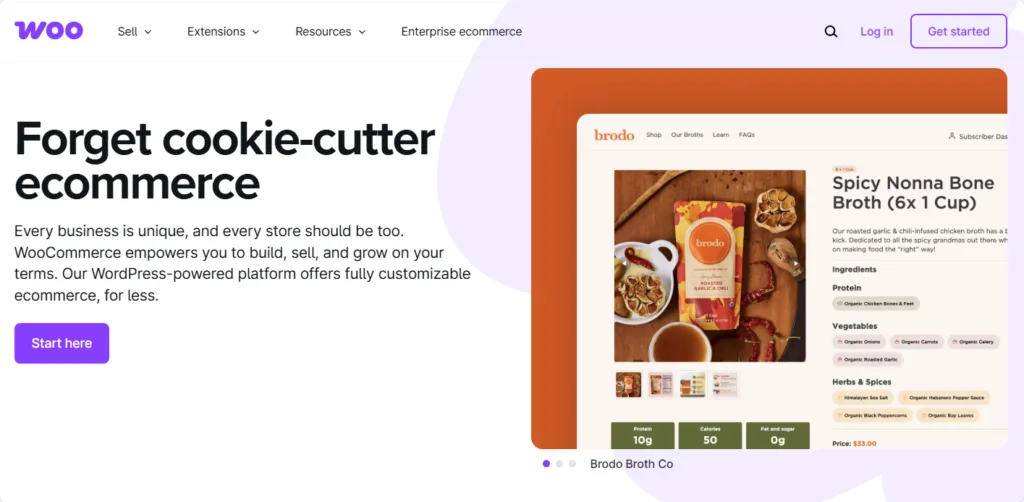
- WooCommerce: As the most popular WordPress ecommerce plugin, WooCommerce provides comprehensive functionality for selling both physical and digital products. It offers extensive customization options, making it suitable for a wide range of businesses.
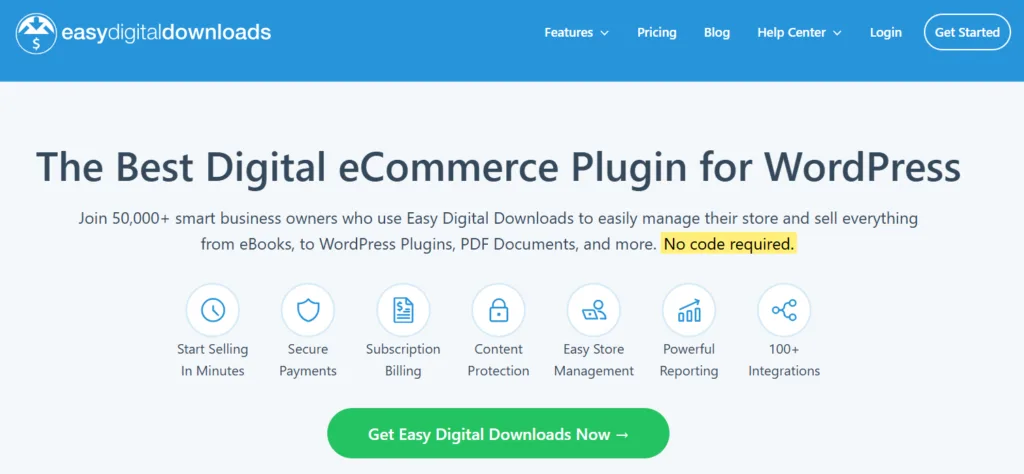
- Easy Digital Downloads (EDD): This plugin specializes in selling digital products, such as eBooks and software. EDD is user-friendly and includes features tailored for digital commerce, like download tracking and customer management.
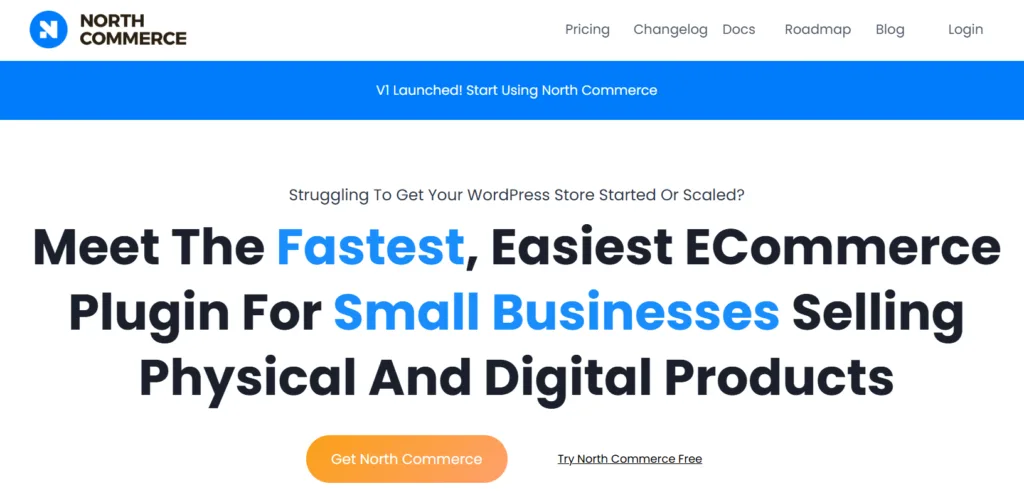
- North Commerce: A lightweight alternative to WooCommerce, North Commerce focuses on speed and simplicity, ideal for businesses that prioritize quick setup and performance.
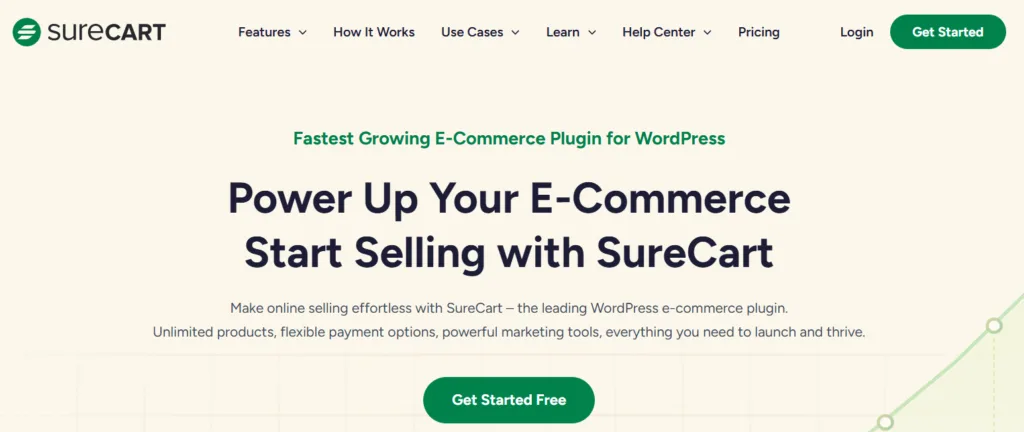
- SureCart: SureCart allows users to sell unlimited physical and digital products, including subscriptions, with customizable checkout forms. It integrates with various payment methods and third-party applications, ensuring high performance and scalability.
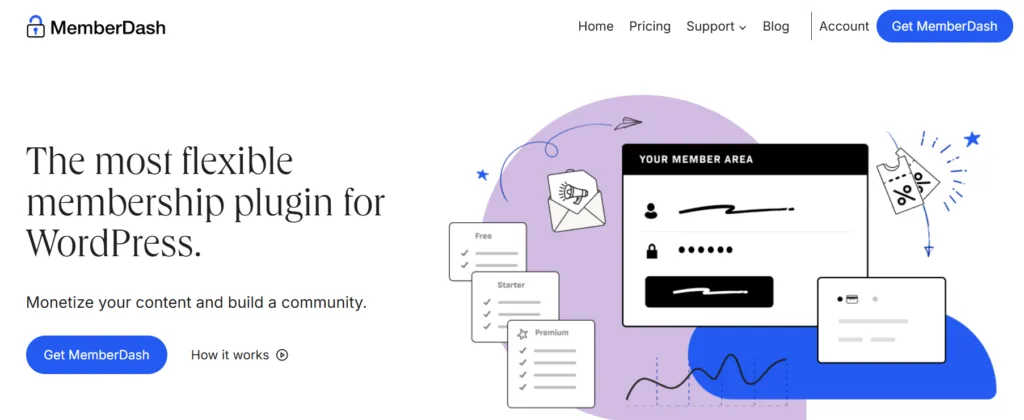
- MemberDash: This membership plugin allows users to create and manage membership sites. It offers features for content protection and subscription management.
When considering ecommerce solutions for your WordPress site, WooCommerce stands out as the most straightforward way to add comprehensive functionality. While there are other options for selling products and subscriptions with WordPress, we’ll focus on WooCommerce due to its extensive capabilities and popularity among small businesses.
WooCommerce vs. Shopify, Wix, and more
Now that we understand how WooCommerce fits into the WordPress ecommerce marketplace, let’s see how its costs stack up against the other leading industry big-hitters:
|
Criteria |
WooCommerce |
Shopify |
Wix |
BigCommerce |
Squarespace |
|---|---|---|---|---|---|
|
Domain registration |
Requires purchase, $10-$15+ per year |
$14 per year |
Free first year, ~$14.95 per year renewal |
Varies by domain |
Free first year, ~$20 per year renewal |
|
Hosting options |
Self-hosted, $5-$30+ per month |
Included in subscription plans |
Included in premium plans |
Included in subscription plans |
Included in subscription plans |
|
SSL certificates |
Free or ~$70 per year (depending on host) |
Included in all plans |
Included in all plans |
Included in all plans |
Included in all plans |
|
Plugins/extensions |
Free or $30-$300+ per year for premium |
Free or paid apps, cost varies |
Free or paid apps, cost varies |
Free or paid apps, cost varies |
Limited extensions, some may have costs |
|
Themes |
Free or $30-$100 (one-time for premium) |
Free or $140-$180 (one-time for premium) |
Free or premium templates (cost varies) |
Free or $150-$300 (one-time for premium) |
Free templates |
|
Do costs increase with scaling? |
Yes, hosting and plugins may increase |
Yes, higher-tier plans and apps increase costs |
Yes, it may require upgraded plans and apps |
Yes, higher-tier plans for sales thresholds |
Yes, upgrading plans may increase costs |
|
Backup solutions and redundancy |
Depends on hosting; often requires manual configuration or plugins for backups |
Built-in backup and recovery options included in the hosting |
Automatic backups included in plans |
Offers built-in backups and recovery systems |
Automatic backups and recovery included |
|
Development and maintenance costs |
Varies based on technical expertise; lower with DIY but can involve hiring developers |
Lower for non-technical users but can grow with app dependencies |
Minimal for basic use but higher for complex setups |
Moderate, as built-in features reduce reliance on custom development |
Minimal for basic designs but grows with customization needs |
|
Summary of optional costs |
Premium themes, premium plugins |
Premium themes, paid apps |
Premium apps |
Premium themes, paid apps |
Extensions |
|
Summary of fixed costs |
Domain, hosting, SSL |
Subscription plans, domain, SSL |
Premium plans, domain, SSL |
Subscription plans, domain, SSL |
Subscription plans, domain, SSL |
|
Total average costs (per month) |
Varies substantially depending on hosting and features |
$39-$399 per month |
Starting at $27 per month |
$39-$299 per month |
Starting at $36 per month |
Cost comparison overview
WooCommerce typically incurs higher upfront costs compared to hosted platforms like Shopify, Wix, and Squarespace. However, it often proves to be more affordable in the long run for store owners. Here’s a breakdown of how WooCommerce performs in terms of costs:
- Lower initial costs: WooCommerce is free to install, and hosting can start as low as $5 per month. In contrast, Shopify begins at $39 per month, while Squarespace starts at $36 per month. This affordability allows small businesses to allocate funds toward critical areas like marketing.
- No additional transaction fees: Unlike Shopify, which charges up to 2% in transaction fees for third-party payment gateways, WooCommerce imposes no platform transaction fees when using plugins like StellarPay. For small businesses with modest sales volumes, this can lead to significant savings over time.
- Flexible scalability without lock-in costs: WooCommerce allows businesses to scale according to their needs without being forced into higher pricing tiers. In contrast, platforms like BigCommerce require costly plan upgrades as sales grow.
- Customization to fit any budget: Premium themes for WooCommerce are generally more affordable than Shopify’s premium themes, which start at around $140. This flexibility enables small businesses to create a professional store tailored to their specific needs without breaking the bank.
- Ownership and control of the platform: One of the most significant advantages of WooCommerce is that it provides full ownership of your store. Yep, it’s yours! Unlike hosted platforms such as Wix and Squarespace — which come with ownership restrictions — WooCommerce allows small businesses long-term independence and the ability to adapt their stores without limitations.
“While WooCommerce may require a little more technical expertise for setup and management compared to platforms like Shopify or Wix, it offers unmatched flexibility over your ecommerce store. This is particularly advantageous for small businesses that prioritize budget-conscious growth and wish to maintain control over their online presence.”
Zach Tirrell, General Manager, StellarWP
Complete WordPress store costs for 2025: From launch to scaling
When setting up a WordPress WooCommerce store, it’s easy to overlook that initial investment costs are just one piece of the puzzle. While getting everything up and running is crucial, long-term budgeting becomes equally important, especially when scaling your store is a key goal.
We’ll break down both the initial and ongoing costs in more detail below, but if you’re looking for at-a-glance costs, this handy table should provide you with a good starting point:
|
Maintenance components |
Estimated cost (annual) |
|---|---|
|
Domain name renewal |
$10 – $60 |
|
Web hosting $140 – $500 | |
|
SSL certificate |
$0 – $100 |
|
Theme updates |
~ $60 |
|
Plugin updates & support |
~ $350 |
|
Security monitoring & updates |
~ $250 |
|
Marketing and SEO |
$700 – $1,500 |
|
Payment gateway fees |
Varies based on the provider |
|
Total (average of ranges) |
~ $1,510-$ 2,820 |
It’s worth noting at this stage that these costs can vary significantly depending on the size of your store, the kind of functionality you want to offer, and numerous other factors. Later in the article, we’ll look at some example cost breakdowns for different store sizes to help you better understand the investment involved in a WordPress ecommerce store.
Initial investment breakdown:
Before you make any decisions about initial investments like domain registration and hosting, it’s important to understand the difference between WordPress.com and WordPress.org, as your choice between these two platforms will have a significant impact on how you manage your ecommerce store.
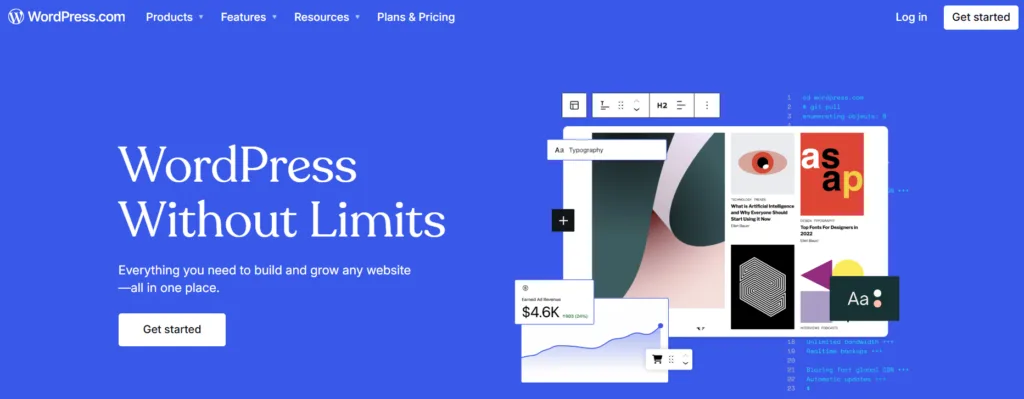
- WordPress.com is a managed platform ideal for users seeking a beginner-friendly experience with minimal technical upkeep. It handles hosting and maintenance, allowing users to focus on content creation without worrying about the technical details.
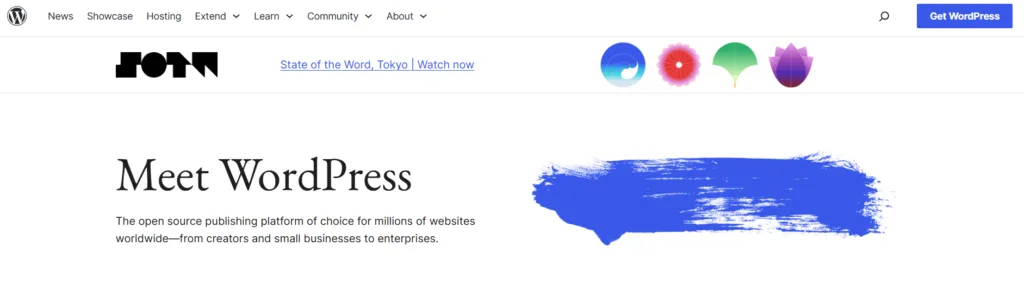
- WordPress.org offers complete control, scalability, and flexibility. This option is perfect for businesses willing to manage their own hosting and maintenance, enabling them to customize their stores extensively.
Not sure which option is right for your ecommerce store? WordPress.com offers a comprehensive guide on the differences between the two platforms to help you make an informed decision.
Domain registration
The cost of domain registration typically lies between $3 and $15 per year. However, prices can vary significantly based on the domain extension (.com, .org, or newer options like .world) and the popularity of the chosen name. Snappy domain names that tick all the boxes may command higher prices.
If you opt for the WordPress.com route, certain hosting plans provide free domain registration for the first year. This can be an attractive option for new store owners looking to minimize upfront costs, but bear in mind that you’ll be sacrificing the additional flexibility offered by a self-hosted WordPress.org site.
Hosting options
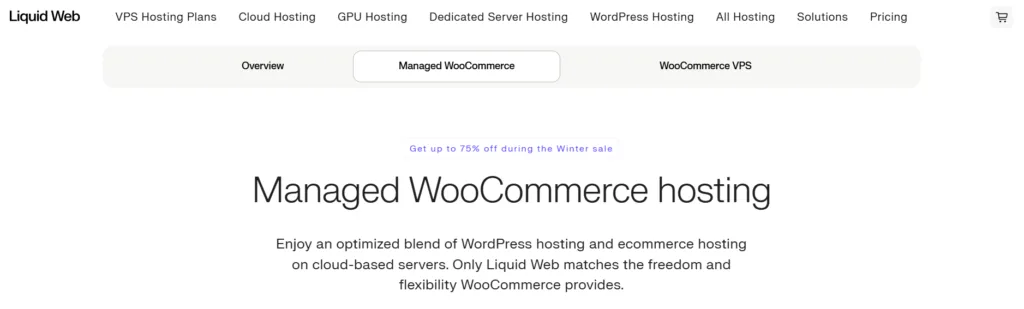
Hosting is a critical component of your online store’s performance. WordPress.com offers all-inclusive hosting with tiered pricing ranging from $4 to $45 per month (up to $540 annually).
While WordPress.org itself is free, it doesn’t include hosting or domain purchases, so you’ll need to budget for these separately. Shared hosting from reputable providers like Liquid Web starts at around $21 per month (approximately $250 annually).
Choosing a reliable hosting provider that offers technical support and customer service is another important consideration. Be mindful that many hosting plans increase their rates after the first year — always read the small print before committing.
Secure Sockets Layer (SSL) Certificate
An SSL certificate is needed to secure your website and protect customer data. Most reputable hosting providers offer automatic free SSL certificates, which can help reduce initial costs.
If your hosting provider doesn’t cover this, a single-domain SSL certificate typically costs around $10 annually, while wildcard SSL certificates that protect multiple subdomains can cost approximately $53 per year.
Website setup
The core software for WordPress is free to use, and WooCommerce itself is also free. However, costs may arise from premium plugins or themes that extend your store’s functionality.
Themes
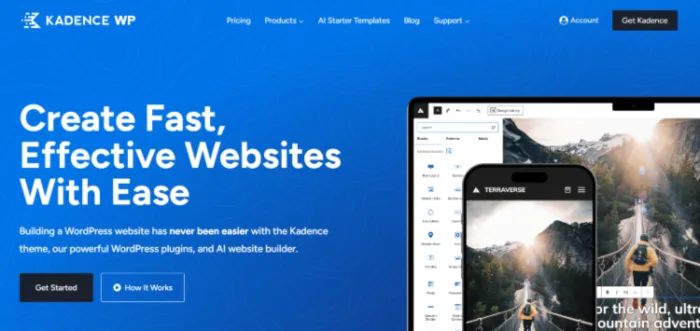
Many WordPress themes like the Kadence Theme are available for free, with premium themes ranging from $30 to $200 per year depending on their features and customization options. Investing in a quality theme can seriously polish the user experience and site aesthetics, which may lead to those oh-so-important higher conversion rates.
Ongoing operational costs breakdown:
Plugin extensions for WordPress and WooCommerce
The extensive selection of free plugins available through WordPress can help you implement lots of useful features without incurring additional costs. However, premium plugin extensions, while not essential for basic functionality, often offer more extensive features that can have a direct impact on site performance and the user experience.
Some popular premium Woo extensions include:
- Kadence Shop Kit: Offers powerful functionality for customizing your WooCommerce product pages, checkout flow, and more. You can get Shop Kit on its own for $99/year or as part of Kadence’s Full Bundle to get access to the full suite of Kadence plugins.
- Product Bundles: Enables bundling of products for promotional offers. Similar pricing applies: $47.40 for the first year and $79 annually thereafter.
- Name Your Price: This extension lets customers decide how much they want to pay, making it ideal for donations or customizable gift cards. It costs $35.40 for the first year and adjusts to $59 annually after that.
- WPRocket: A performance optimization plugin that decreases loading times, making your shop faster. The pricing is again $35.40 for the first year, then $59 annually.
While these extensions are not mandatory, they’re certainly handy for shop management, and they’ll likely help you get more sales over the line. For simplicity, if we assume you took an average of four paid extensions, the annual expenditure for premium plugins would range between $200 and $600.
Security
Security is another critical aspect of ongoing operational costs, with expenses ranging from $0 to $200+ annually, depending on how extensively you implement security measures. Maintenance and security are vital for the success of your store. Your choice of hosting provider will have a big impact on your site’s security, and if you want to step it up a notch, a few popular WordPress security plugins include:
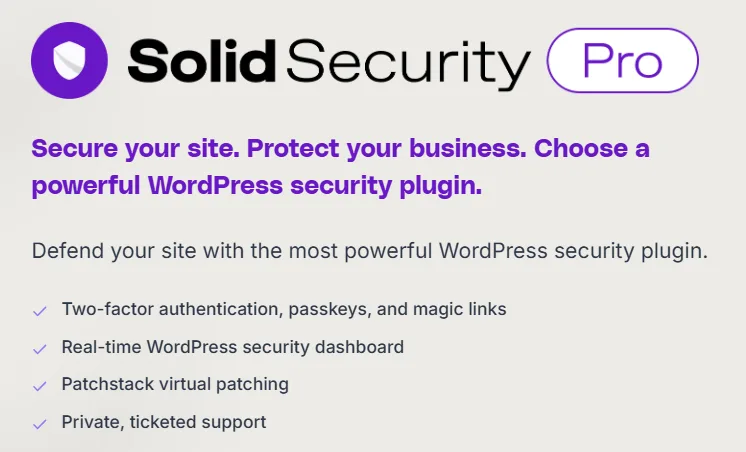
- Solid Security Pro: Costs around $99 annually.
- Sucuri: Priced at approximately $229 annually.
- WordFence: Available for about $119 annually.
Email marketing
Costs associated with email marketing depend on your subscriber list size and your choice of tools:
- Klaviyo offers a free plan for lists with fewer than 250 contacts. For 251-500 subscribers, it upgrades to $35 monthly, totaling about $420 annually.
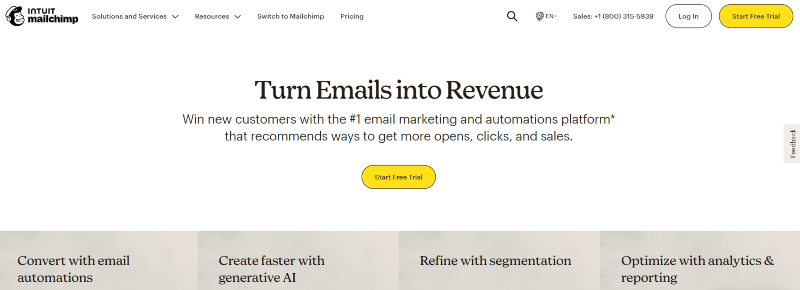
- Mailchimp provides small plans (up to 500 contacts) ranging from $0 to $20 monthly, which translates to an annual cost between $0 and $240, depending on the chosen plan. Costs scale with the size of your contact list, with only the most expensive “Premium” plan available for lists of over 100,000 contacts.
SEO maintenance
Maintaining good SEO is one of the most important growth accelerators. Yoast SEO, one of the most popular SEO plugin options for WordPress, offers both a free plan and a premium version at around $99 per year. You can also use free services like Google Analytics and Google Search Console to keep track of site performance, although tools that offer the likes of competitor and keyword analysis come with a fee — Semrush, for example, starts at $117.33 per month.
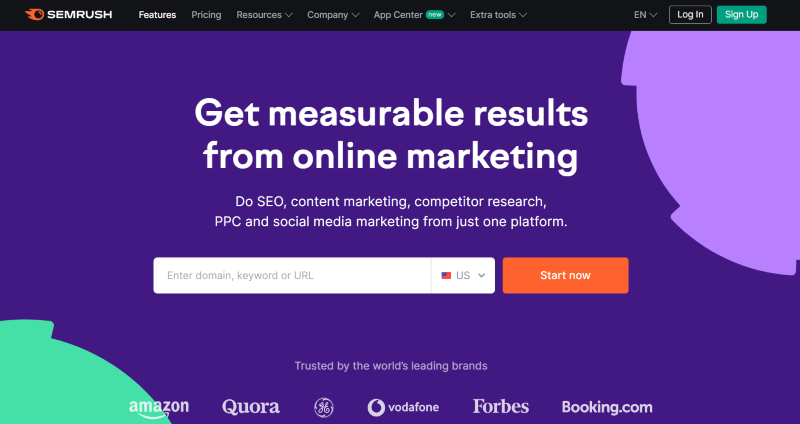
For businesses looking for more comprehensive SEO services — like content writing, tech fixes, and outreach — costs can start around $1,500 per month, depending on the scope of work and industry.
Cost comparison by store size: $10K vs $100K vs $1M revenue
Understanding the cost structure of your WooCommerce store based on revenue is needed for effective budgeting and planning. As revenue increases, so do the operational costs, which shift from basic needs to more advanced services.
Here’s a breakdown of the expected costs for stores generating $10K, $100K, and $1M in monthly revenue.
$10K per month revenue stores
For stores earning $10K per month, the total monthly cost typically falls between $13 and $20.
- Shared hosting: Costs range from $3 to $10 monthly.
- SSL certificate: Generally included with hosting, costing $0.
- Payment processing: If using free gateways like StellarPay, this cost is also $0.
- Security monitoring: Approximately $4.20 monthly.
This low-cost structure allows small businesses to allocate more resources toward growth and marketing.
$100K per month revenue stores
For stores generating $100K per month, total monthly costs increase significantly to between $197 and $397.
- VPS hosting: Costs range from $50 to $150 monthly.
- Premium SSL: Between $12.50 and $16.70 monthly.
- Plugins and integrations: A combination of free and premium plugins could cost you anywhere from $0 to $50+ monthly.
- Advanced security: Approximately $41.70 monthly.
- Dedicated support: Ranges from $100 to $200 monthly.
- Enhanced backup solutions: About $30 monthly.
These expenses reflect the need for more infrastructure and support as your business grows.
$1M per month revenue stores
For stores achieving an impressive $1M per month, total monthly costs can soar to between $3,300 and $15,700.
- Enterprise hosting and security: Costs range from $500 to $2,000 monthly.
- Premium themes: One-time costs of about $200 to $500 for custom-built themes.
- Plugins and integrations: If your store uses a wide range of premium plugins, monthly expenses could cost between $500 and $2,000.
- Development and maintenance: Ranges from $500 to $1,000 monthly.
- Agency services (e.g. SEO, marketing): Costs between $500 and $2,000 monthly.
- Automated backup systems: Approximately $100 to $200 monthly.
- Developer support for custom projects: Can range from $2,000 to $8,000, depending on needs.
Key takeaways
- Infrastructure costs scale with revenue, ranging from about 0.2% for $10K stores to approximately 0.8% for $1M stores.
- As revenue grows, core expenses transition from basic hosting needs to advanced services like dedicated support, security measures, and marketing strategies.
- Larger stores (those generating over $1M) require significantly higher upfront investments but achieve better cost efficiency through enterprise-level solutions and bulk pricing.
So what’s the verdict? Well, although absolute costs increase significantly with revenue, the relative cost-to-revenue ratio remains relatively stable, indicating that WooCommerce offers a scalable solution for ecommerce store owners.
All the data suggests that businesses should expect to invest progressively larger portions of their revenue in infrastructure as they scale, focusing increasingly on advanced services rather than basic hosting needs.
Scaling your store and managing costs as you grow
As your WooCommerce store expands, managing costs effectively grows ever more important. This section outlines specific threshold indicators that signal when it’s time to upgrade your hosting due to increased traffic and sales. We’ve also provided some cost-effective scaling solutions to help you save money without scrimping on store performance.
When is the time to upgrade my hosting?
One of the first signs that it may be time to upgrade your hosting is when your store visits reach a level that your current server cannot support. If you notice a decrease in website performance, — such as slower page load times — it indicates that the server is struggling to handle the traffic.
Regularly monitoring performance metrics is essential. If you observe a consistent decline in performance over time, it’s advisable to upgrade from shared hosting to more muscular options like VPS or dedicated hosting. This transition ensures your site is far better equipped to handle high traffic spikes without performance ever becoming an issue.
Another crucial performance metric to watch is response time. If this exceeds two seconds, it may suggest that your current hosting setup is insufficient for the size of your business. To prevent worst-case scenarios — like website crashes that could lead to lost customers — regularly monitor key metrics such as CPU usage, memory requirements, and bandwidth consumption.
What are some benefits of proactive scaling?
Proactive scaling offers several advantages:
- Faster page load times: Streamlining your WordPress database reduces its size and improves data access, resulting in faster page loads and happy site visitors.
- Enhanced user satisfaction: A well-optimized database ensures visitors can navigate your site quickly and effortlessly, boosting engagement and overall satisfaction.
- Higher search engine ranking: Speed is a key ranking factor for search engines. By optimizing your database and enhancing performance, you can improve your site’s position in the search results.
- Reduced error rates: Optimizing your database minimizes common issues like connection failures or delayed queries, ensuring a more stable and dependable website.
- Improved resource efficiency: A properly tuned database reduces the strain on server resources such as CPU and memory, allowing your site to handle much higher traffic.
Cost-effective scaling strategies
Implementing cost-effective scaling strategies is needed for long-term sustainability:
- Proactive scaling: Anticipating growth patterns through analytics can help you schedule upgrades during off-peak periods, avoiding emergency scaling costs.
- Automated resource management implementation: Set up auto-scaling based on traffic patterns and use monitoring tools for resource allocation. Additionally, configure automated backup systems to ensure data security.
- Performance tracking implementation: Establish clear monitoring protocols by tracking server response times, monitoring database query performance, and analyzing traffic patterns and user behavior.
- Regular cost analysis of hosting expenditures: Compare current usage against plan limits, assess cost-per-visitor metrics, and review resource utilization efficiency regularly.
It’s advisable to implement these scaling solutions gradually while closely monitoring their impact on performance and costs. By taking a proactive approach to scaling, you can ensure that your WooCommerce store remains efficient and responsive as it grows.
The right investment is your path to WordPress store success
Successful management of a WordPress store hinges on a deep understanding of both initial and long-term costs. Recognizing when to upgrade hosting based on traffic and sales volume is a key decision, as is understanding which investments become necessary at different revenue stages.
Cost-effective scaling is about proactive planning rather than reactive solutions. While initial costs may seem daunting, they represent an investment in a platform that offers complete control over your online presence, flexibility to adapt as your business grows, and a lower total cost of ownership compared to the alternatives.
To move forward, start with a detailed cost assessment based on your current business size. Create a scaling roadmap that anticipates future growth, and set up monitoring systems to track when upgrades become necessary. By prioritizing proper cost planning and management, you can pave the way for sustainable growth and long-term success.


Stay Updated
Stay informed about the latest StellarPay updates, new features, and improvements. Subscribe to our newsletter for expert tips to help your clients succeed with their eCommerce websites.

